Scenes, snapshots, and saving your work
Three different things, easy to confuse, each with its own job.
| What it holds | What it is for | |
|---|---|---|
| Session | the whole console | the rig and the show |
| Scene | a named snapshot you jump between | a song, a cue, a support act |
| Channel config | one channel's processing | a sound that travels between gigs |
Sessions
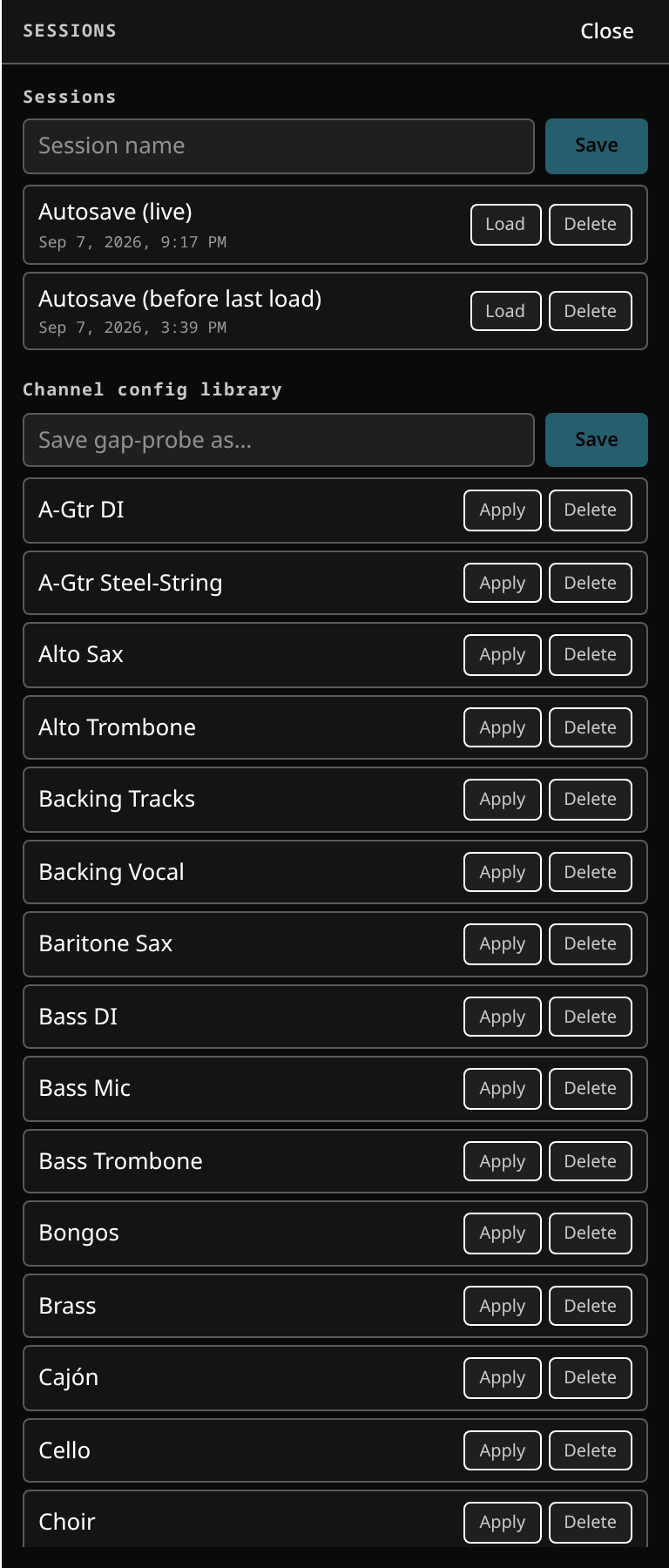 Sessions: the saved consoles on this server, and the autosave the desk keeps for itself.
A session is the whole console saved at once: every level, mute, solo and send, the buses, the matrix, DCA and mute-group membership, every plugin chain with its parameters and presets, the routing, and the surface layout.
- Save with the header's Save session button or
Ctrl/⌘+S. - The header's Setup menu opens the session browser, which lists, loads and deletes them.
- A session loads atomically and pushes itself to every connected screen.
A session also records the hardware it expected. Load it onto a rig missing a stagebox and it tells you what is absent, instead of presenting a console with silently dead channels.
Autosave
The console is autosaved continuously, and a restore point is written immediately before any session load — so "that was the wrong session" is recoverable, and a restart during a show comes back where you were.
The other side of that coin: a console left in a bad state is autosaved in that bad state. If the desk comes back broken after every restart, see a poisoned autosave session.
Keep a named session saved for each rig. It is what the desk falls back to when the autosave is not usable.
Scenes
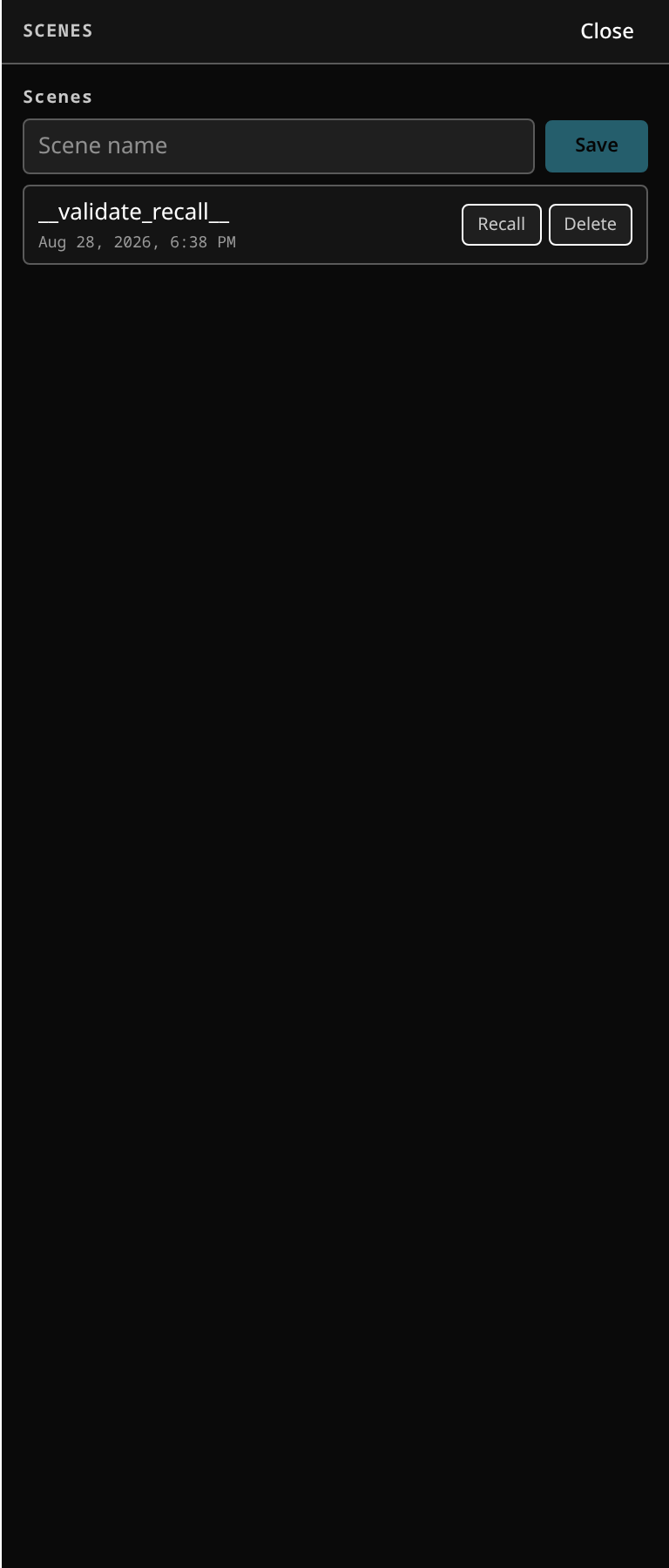 Scenes in the config zone: store, recall, and what a recall is allowed to touch.
Scenes are the many named snapshots you jump between during a show. Recall one and the
whole desk moves to it. The digit keys 1–8 recall from anywhere on the surface.
Recall-safe
Recall-safe is what makes scenes usable live. Flag a channel — or just one of its scopes: fader, mute, sends, eq, dyn, inserts or patch — as safe, and a recall leaves it exactly as it is. On the channel view the recall-safe panel shows each scope as a chip, lit while that scope is safe, and its header carries a summary chip — the number of safe scopes, or SAFE when the whole channel is — so a closed panel still says it.
Patch keeps the channel's input patch: a scene that plugs a different source into that channel leaves its cable where it is, and one that unplugs it leaves it plugged. The rest of the scene's patch still lands on the other channels.
So the vocal you are riding survives a scene change; or the whole monitor world stays put while front of house moves through cues.
The safe mask is live show state, shared to every screen, and it holds until you clear it. It is not part of the scene: it is a property of now.
Working with scenes
A workable pattern for a show with cues:
- Build the mix. Save it as a session — that is your baseline and your safety net.
- Set the desk for the first song and store a scene.
- Repeat per song or per cue.
- Before doors, set recall-safe on anything you intend to ride by hand.
- During the show, recall scenes; ride what is safe.
Channel configs
A channel config captures one channel's processing — its plugin chain and its EQ, gate and compressor — as a reusable named preset: "Lead vocal", "Kick in".
Save it from a channel you like, apply it to another. A known-good vocal or drum sound travels between gigs without carrying a whole session with it.
Undo
Ctrl/⌘+Z undoes, Ctrl/⌘+Shift+Z (or Ctrl+Y) redoes. The stack covers
console edits, which makes an accidental drag on a fader wall recoverable without
reloading a session.
Saved patches
The Sessions panel also keeps a library of saved patches: a patch is the crosspoints alone, so loading one re-patches the desk and leaves the mix as it is. Save, load and delete them there.
Where the files are
Sessions, scenes, patches and channel configs are plain JSON under the state directory. See state and session directories for the layout, and backing up sessions for what to copy before a gig or an upgrade.